Block websites, filter adult content and keep your kids safe online
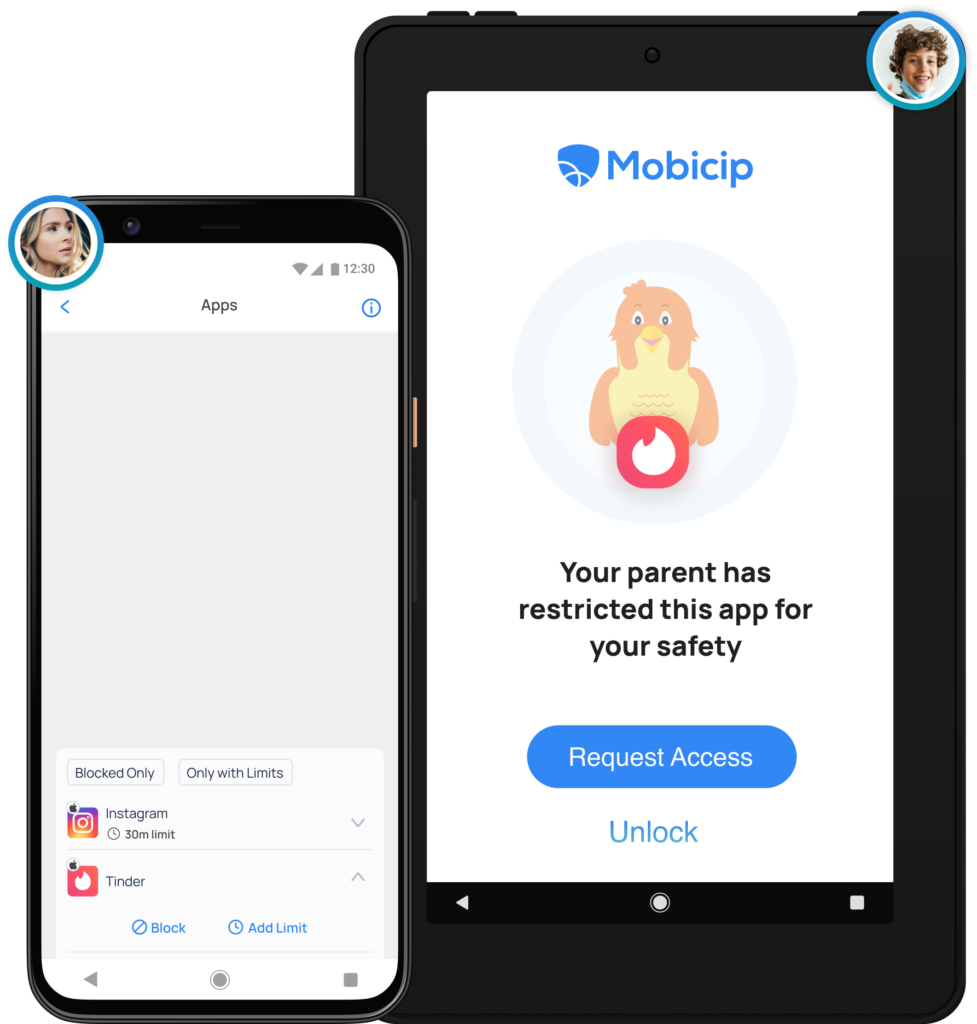
Block Apps
Completely block distracting, inappropriate or addictive games and apps.
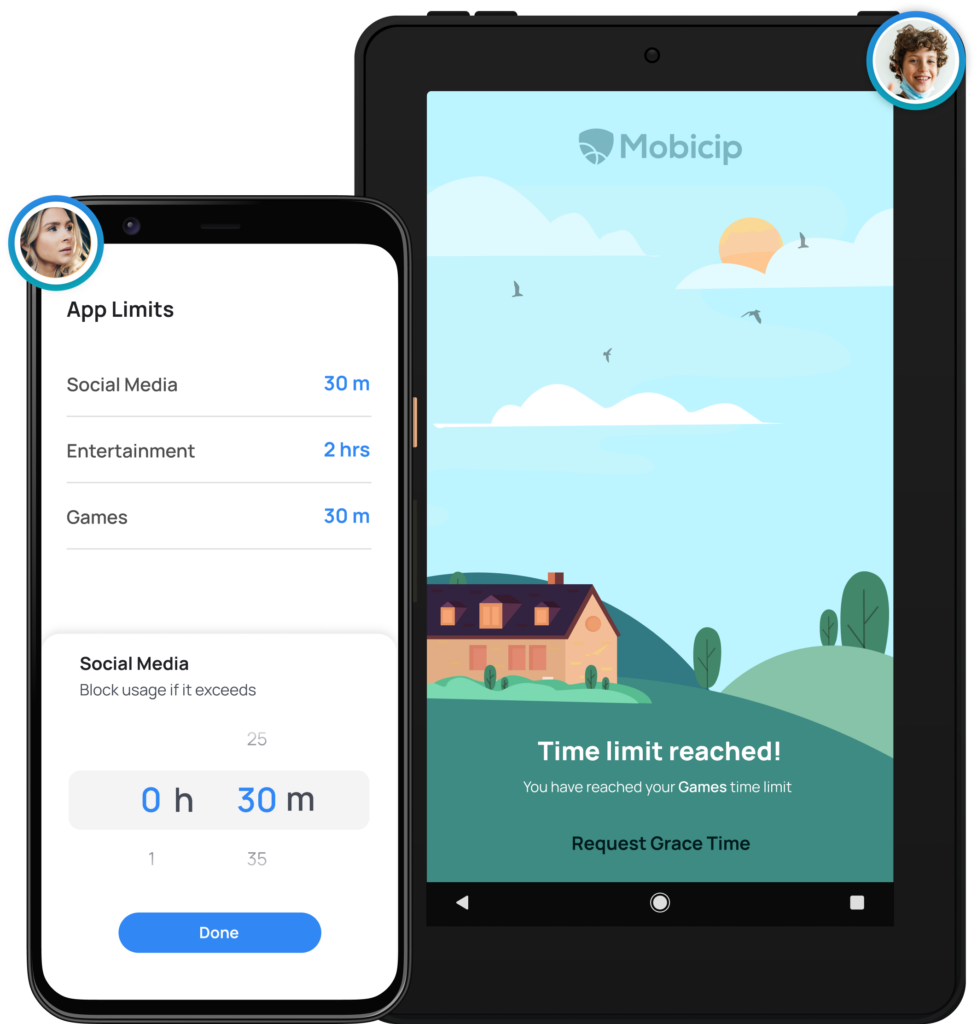
Set App Limits
Set screen time allowances for specific categories and apps.
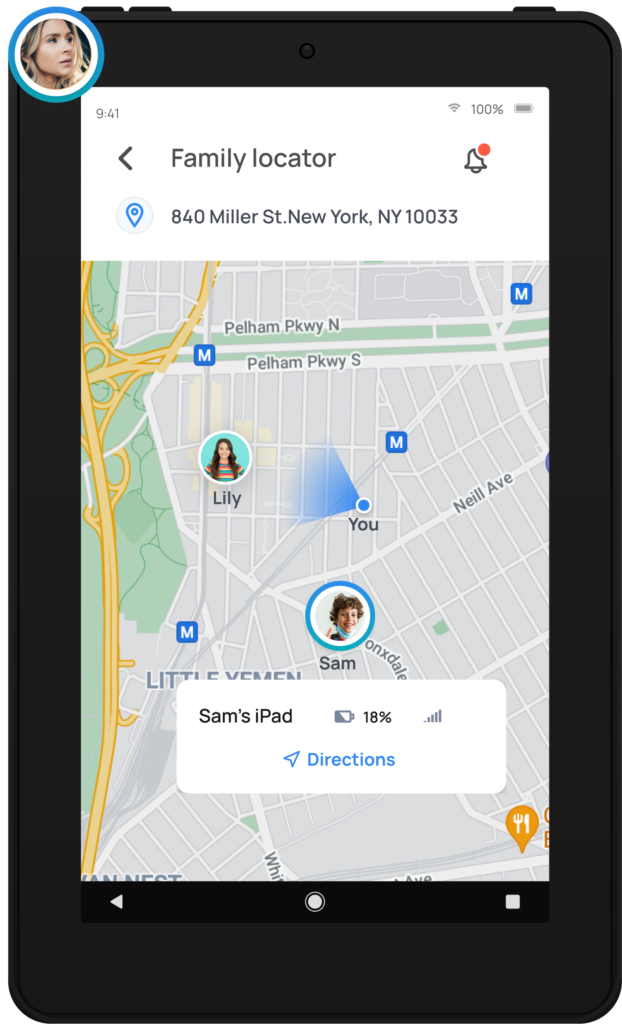
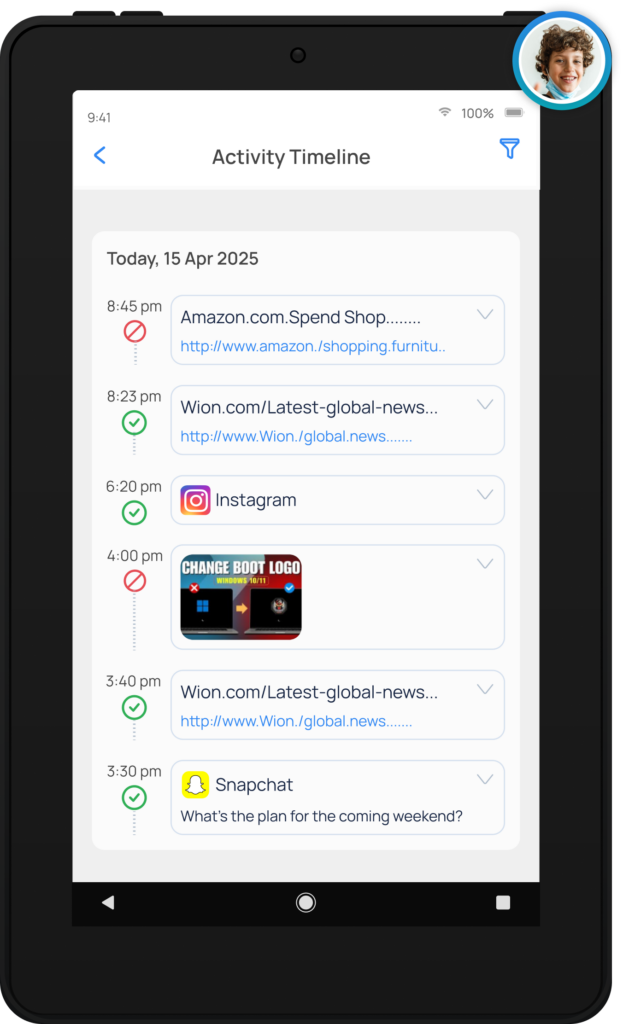
View Activity Summary
Get a daily snapshot of your family’s device usage.
Teach Self-Regulation
Child dashboard shows how they spend their time online every day
Parental Controls is Tough. So Let’s Get Going.
We can do this together. Follow our Step-by-Step Instructions
Download
Sign up
Create username & password
Configure
Setup your family devices
Monitor
Monitor online activity
Watch the Video Walkthrough
Why parental controls for the Kindle Fire?
The Kindle is a global leader in the e-book reader/tablet segment. The Kindle Fire is the first digital device for millions of young children, used as a stepping-stone to ease their entry into the connected world that is the internet. Instilling a sense of digital discipline right from childhood is therefore extremely crucial.
Can I manage screen time on the Kindle Fire?
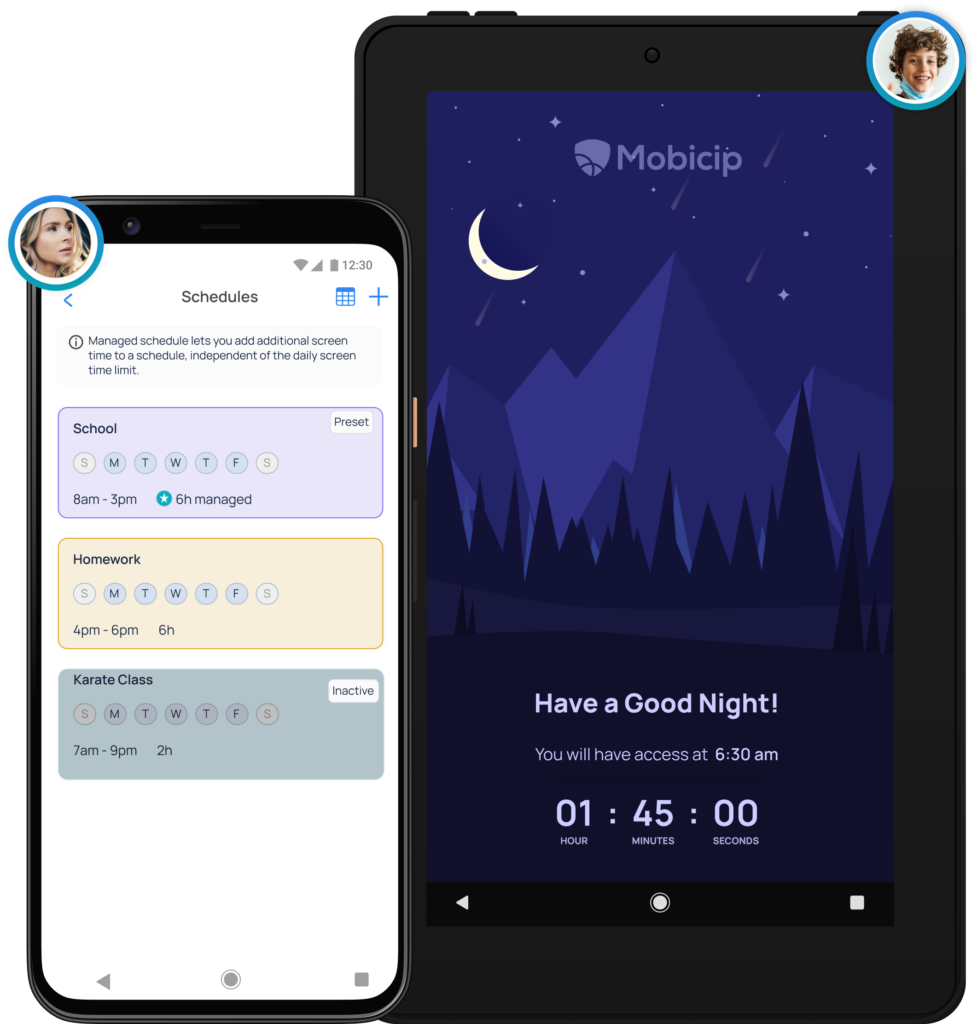
Yes, absolutely. You can block or allow screen time during specific daily/weekly schedules. When screen time is blocked, your kid’s Kindle Fire would be completely unusable.
Can I block apps on the Kindle Fire, with Mobicip?
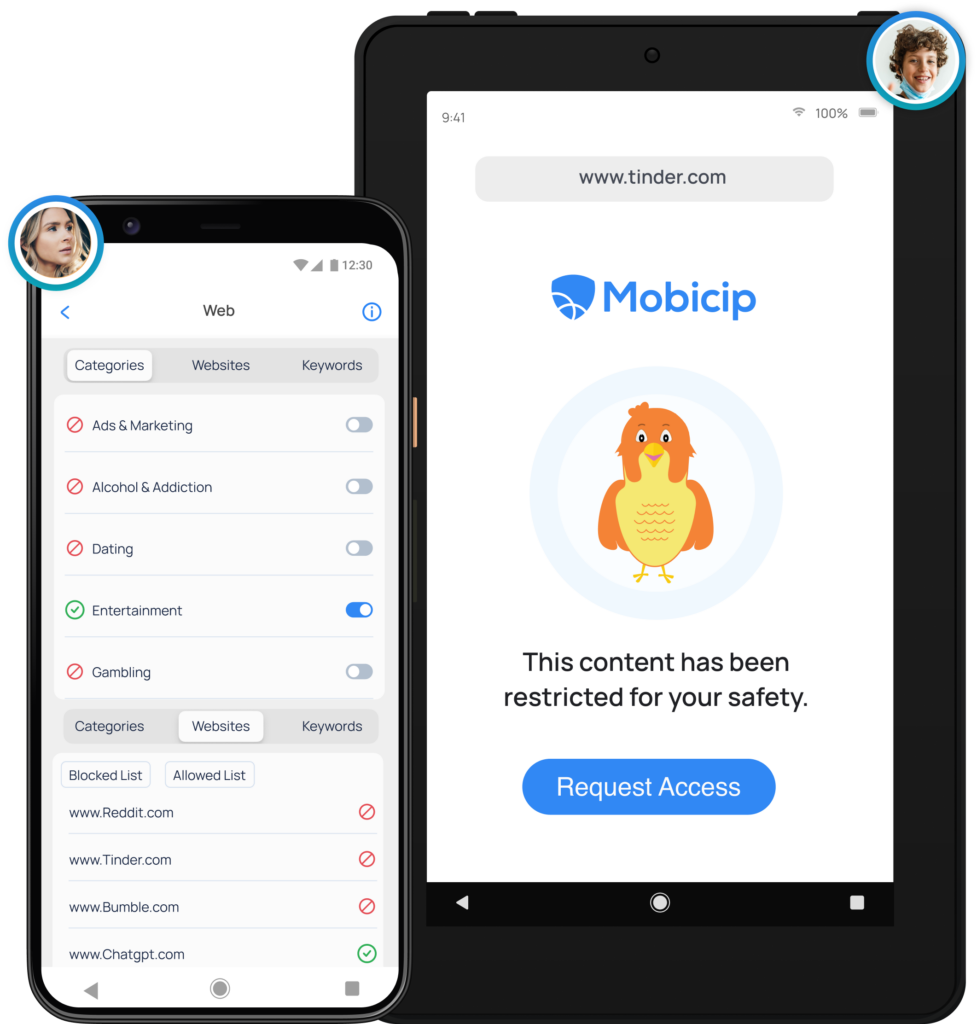
Yes, absolutely. Once you block an app, your child won’t be able to access or use it at all. If your child still goes ahead and clicks on the blocked app, a custom block-page will be displayed on the screen.