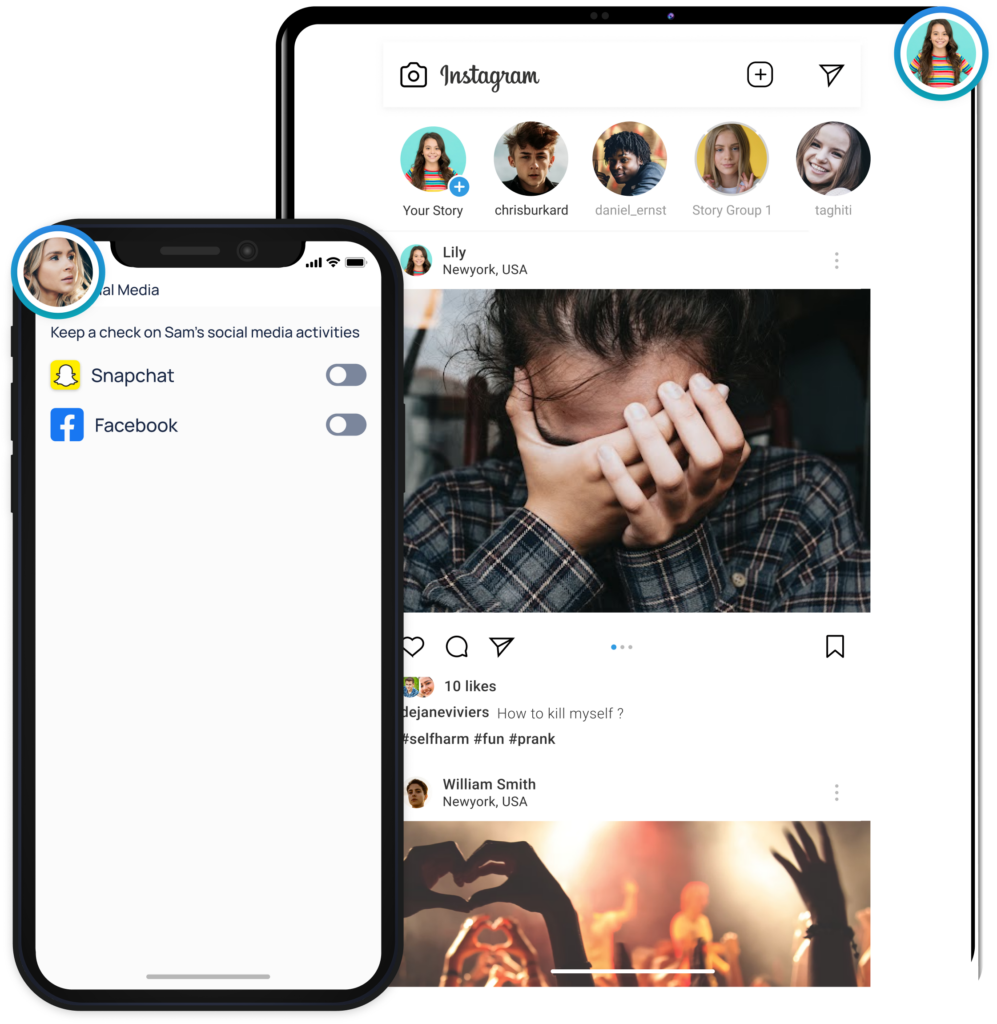
Get alerted on risky interactions on Facebook & Snapchat
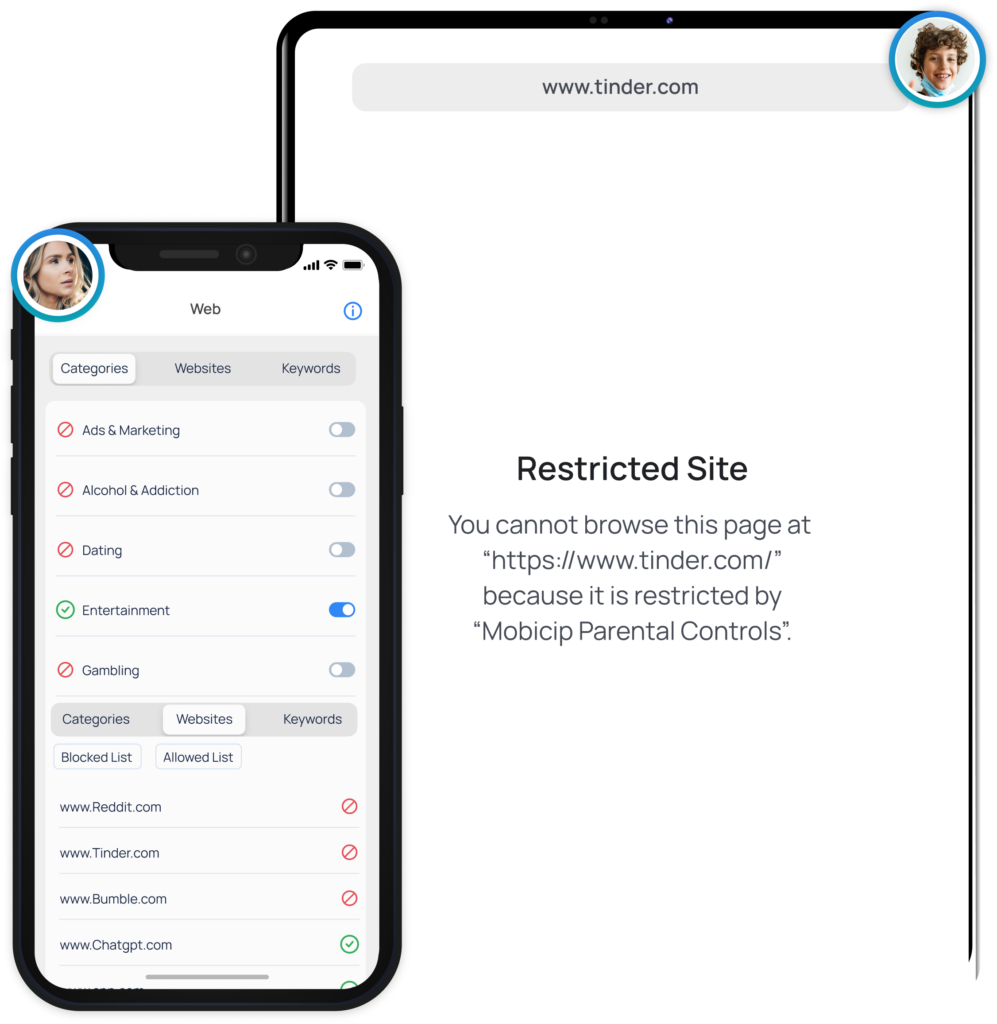
Filter Web Content
Block websites , filter adult content and keep your kids safe online
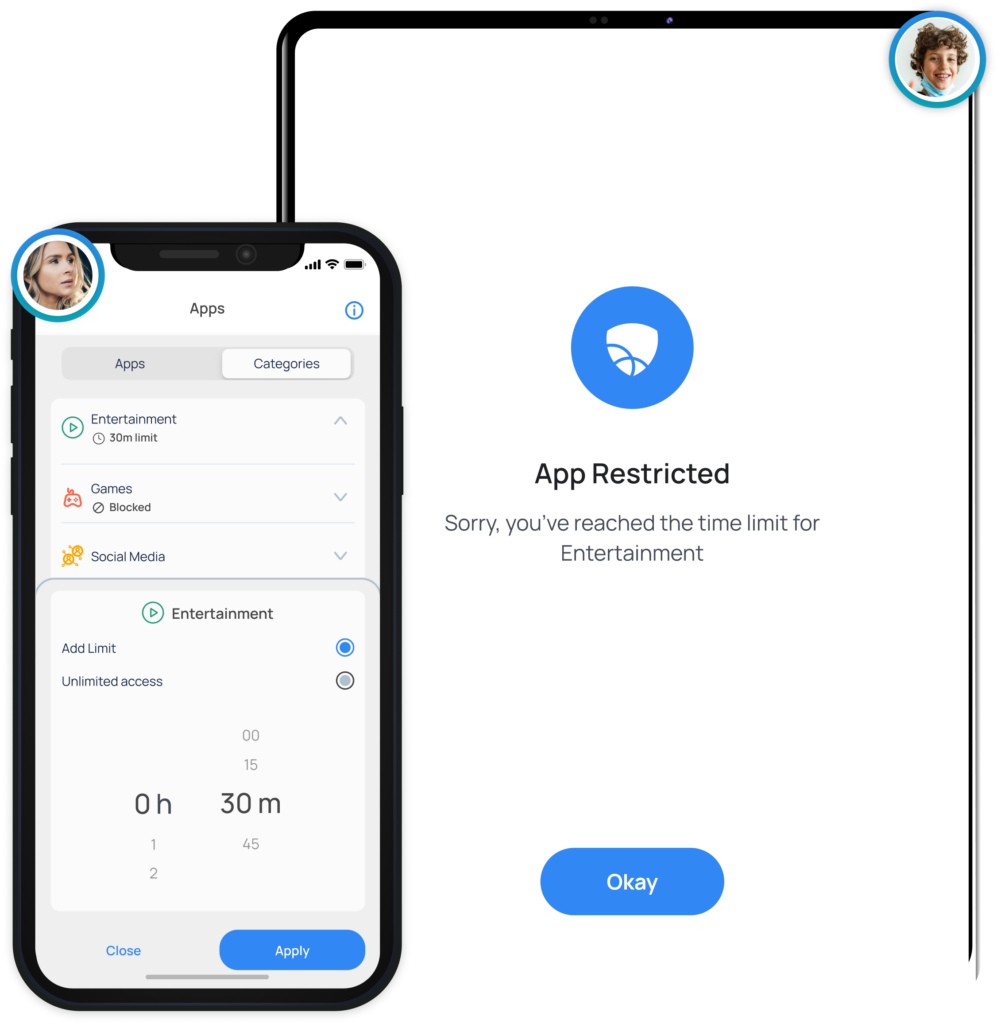
Block Apps
Completely block distracting, inappropriate or addictive games and apps.
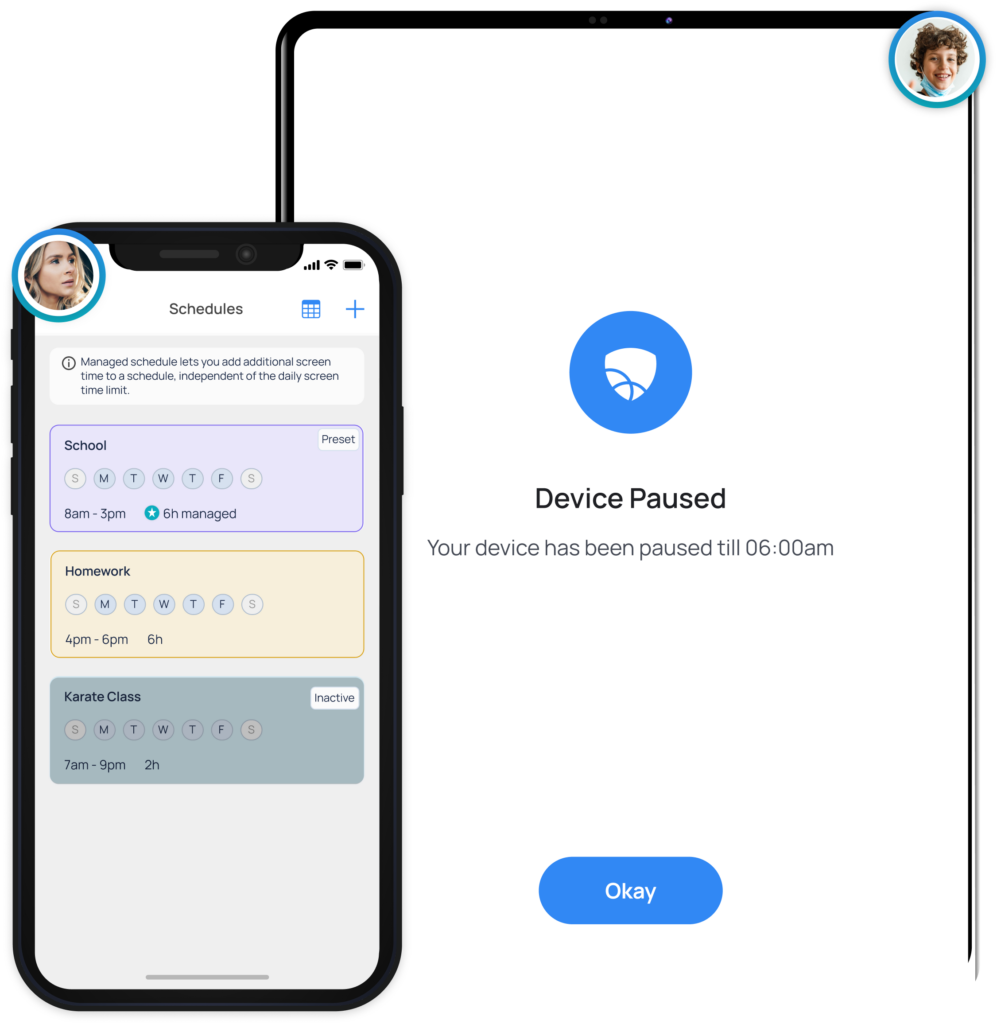
Set App Limits
Set screen time allowances for specific categories and apps.
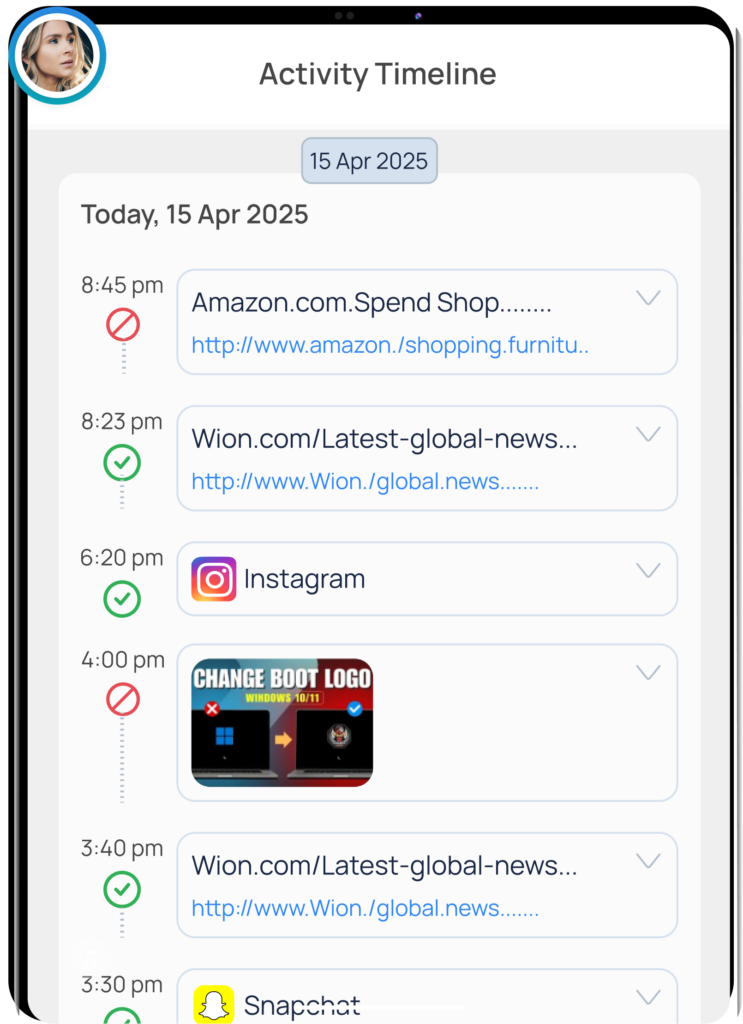
View Activity Summary
Get a daily snapshot of your family’s device usage.
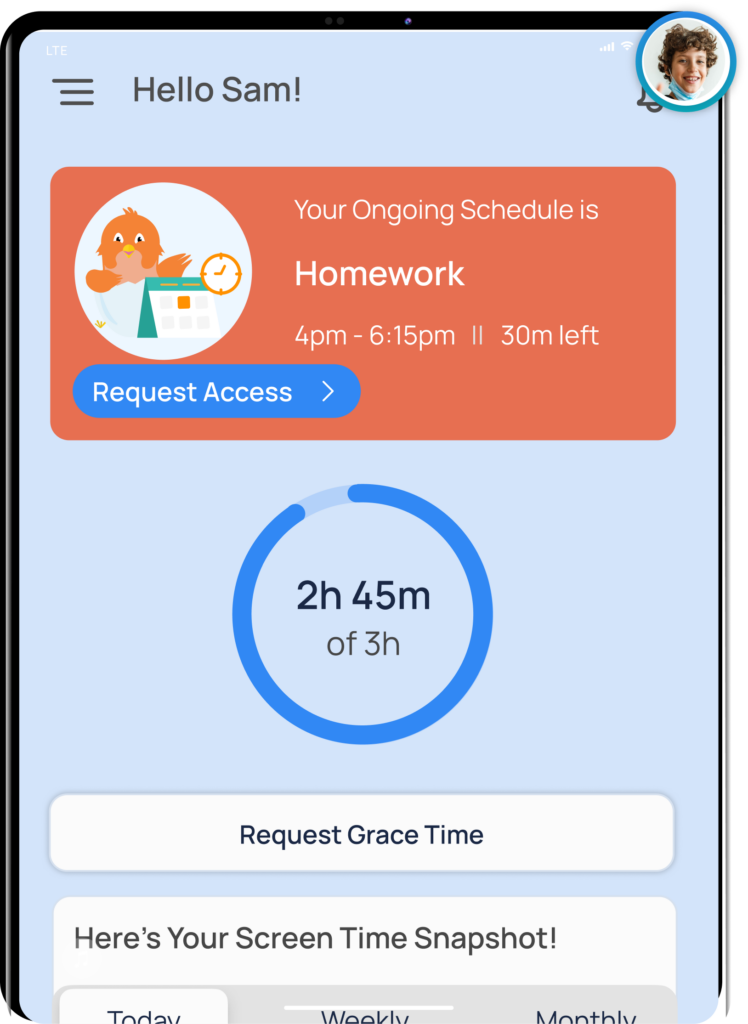
Teach Self-Regulation
Child dashboard shows how they spend their time online every day
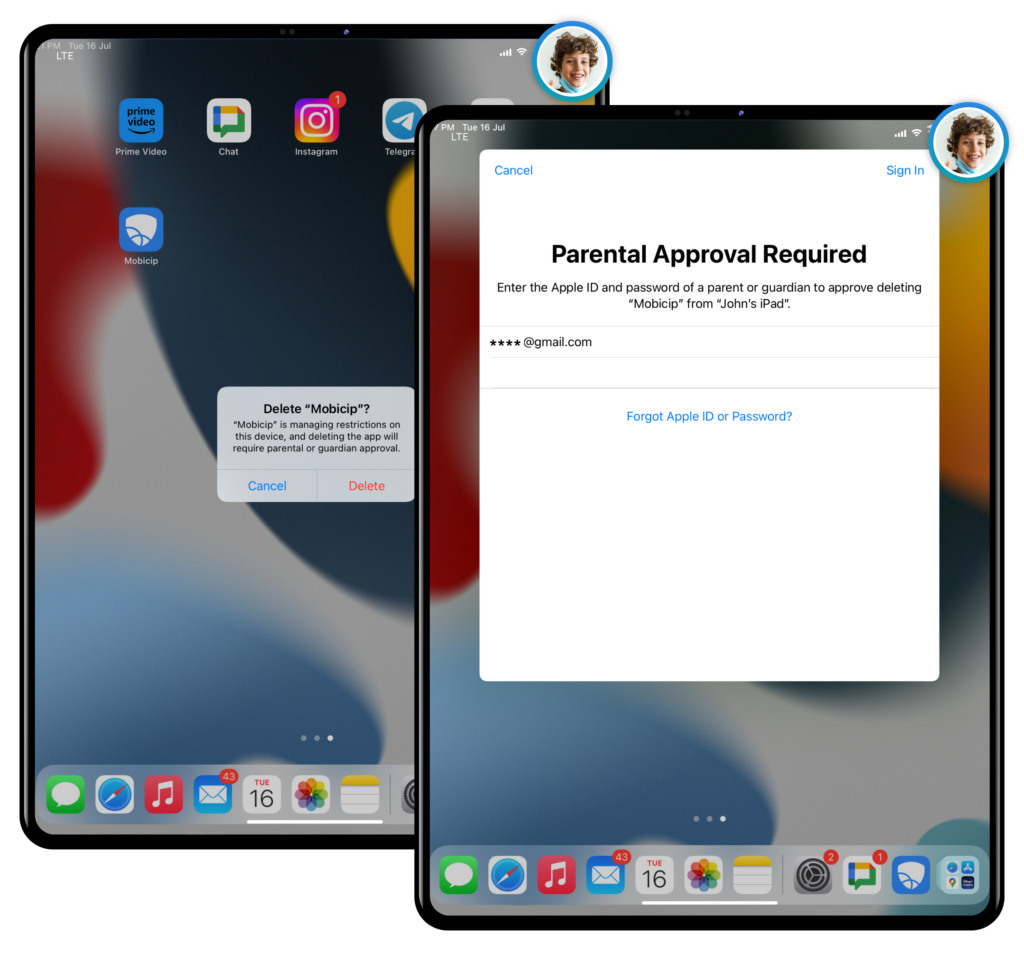
Uninstall Protection
This feature requires a parent’s iTunes credentials to remove the Mobicip app, preventing children from bypassing the controls. Mobicip’s uninstall protection feature gives it an edge over other parental control apps for iOS devices and ensures the child’s safety is not compromised while giving peace of mind to parents.
Parental Controls is Anything But Easy.
Don’t worry. We can do this together. Follow our Step-by-Step Instructions
Download
Sign up
Create username & password
Configure
Setup your family devices
Monitor
Monitor online activity
Watch the Video Walkthrough
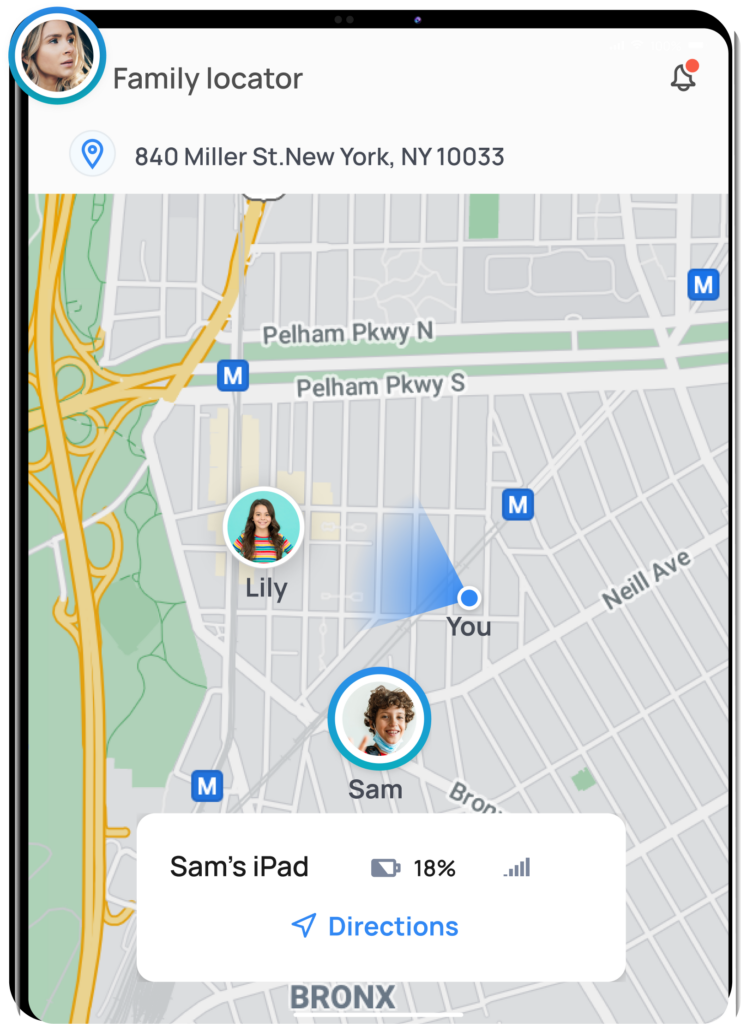
Parental Controls & Family Locator for Apple iPads
#1 Rated Parental Control Software for Apple Devices
Can I monitor my child's iPad from my Android device?
Yes, you can. First, set up Mobicip in Parent Mode on your Android device, then set up Mobicip in Child Mode on your child’s iPad. With Mobicip parental controls, parents can monitor their child’s iPhone, iPad, Androidphone/tablet, Kindle Fire, Mac, Windows device or Chromebook from any device of their choice.
Can my child uninstall Mobicip from iOS devices?
All parental control solutions available in the market today can be uninstalled or disabled in one way or another. But while Mobicip can be partially disabled on iOS devices, parents will be immediately notified when their child’s device isn’t fully protected by Mobicip. This allows parents to be one step ahead of tech-savvy kids.
How to block inappropriate YouTube videos?
Mobicip allows parents to filter videos, block inappropriate video content and set YouTube parental controls on the iPad. The latest version of Mobicip works using VPN technology that allows it to filter videos directly on the Youtube app. In addition, Mobicip already filters videos on the YouTube website.